A photo gallery is the part of a digital invitation guests actually spend time on. The venue and timings get scanned in fifteen seconds; the photographs get scrolled, zoomed and shown to someone else in the room. That makes the gallery worth more thought than it usually gets. The default approach (upload thirty favourite pictures) produces a slow page that guests abandon halfway. A well-chosen gallery of eight tells a story and gets shared. Here is how to choose, order and size them.
How many, and why fewer is better
Six to ten photographs is the range that works. Beyond about a dozen, two things go wrong.
The page gets slow. Photographs are by far the heaviest thing on an invitation, and guests on mobile data in smaller towns will abandon a page that takes more than a few seconds. A gallery of thirty full-resolution images can be twenty times the weight of the rest of the page combined.
And attention drops. Guests scroll a short gallery to the end and feel they have seen it. A long one gets abandoned in the middle, which means your best photograph, usually near the end, is never seen.
If you have thirty photographs you love, the invitation is not the place. Choose eight for the invitation and share the rest afterwards.
What to choose
A gallery works best when the images do different jobs rather than repeating one.
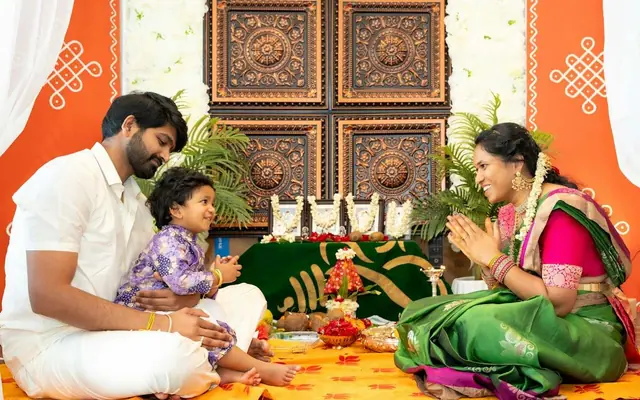
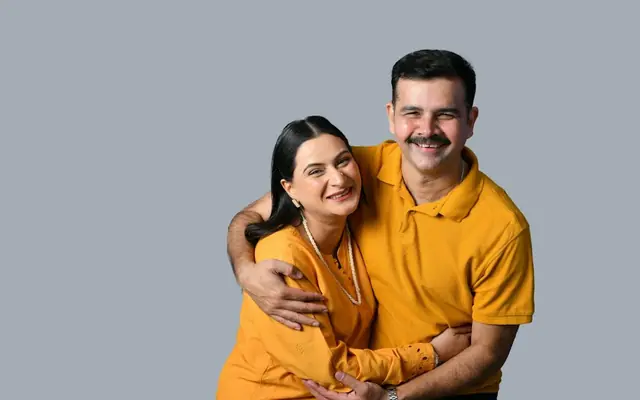
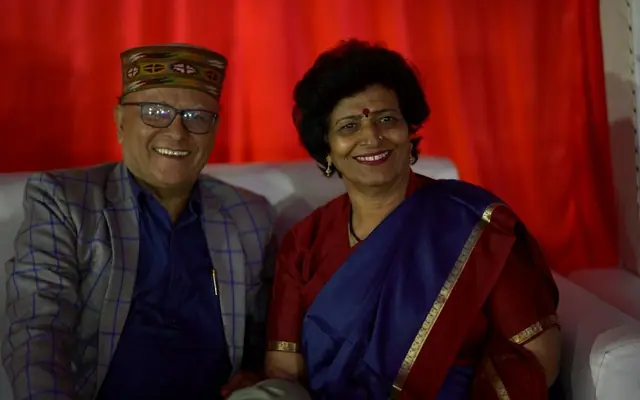
For a wedding: one clear portrait of the couple, two or three from the engagement or pre-wedding shoot, one candid with family, one of the venue if it is striking, and one older photograph: the couple years earlier, or the families together. The older one is consistently the image guests comment on.
For a birthday: a strong recent portrait, two or three across different ages, one with the people the party is for, and one that is funny. Milestone birthdays especially benefit from a progression across years.
For a Griha Pravesh: the exterior, one or two interiors, and the family at the door. Guests genuinely want to see the house.
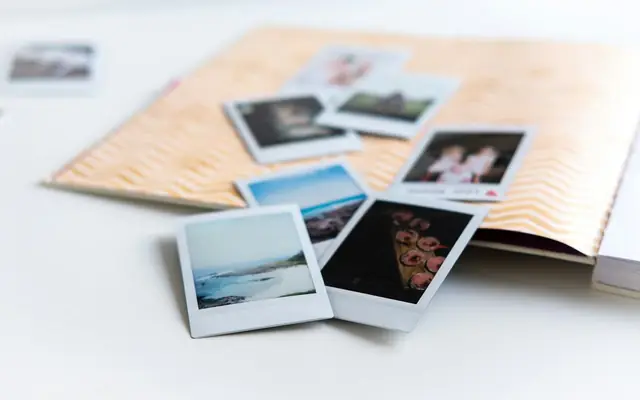
Avoid near-duplicates from the same shoot. Five photographs from one session in the same outfits read as one photograph.
Order and orientation
Lead with the strongest image, because it is often the one used for the WhatsApp link preview and the only one some guests see.
After that, chronology works better than any other ordering for milestone events: oldest to newest tells a story without needing captions.
Orientation matters more than people expect. Invitations are viewed on phones in portrait, so portrait and square images fill the screen while landscape images appear small with space either side. A gallery that is mostly landscape looks weaker on a phone than the same photographs on a laptop. Where you have a choice, favour portrait and square.
Check how a group of images reads together. Mixed orientations in a grid can look untidy; consistent orientation looks deliberate.
Getting the files right
Resize before uploading. A photograph straight from a phone camera is often four to eight megabytes; on an invitation it needs to be a few hundred kilobytes. Resizing to around 1600 pixels on the long edge is more than enough for a phone screen and cuts the weight dramatically.
Watch faces at the edges. Galleries crop to fit, and a face at the very edge of a frame can be cut. Choose images with a little space around the subject.
Be careful with screenshots and forwarded images. A photograph that has been through WhatsApp several times is already compressed, and it will look noticeably soft next to originals. Use the original file where you have it.
Finally, consider who is in them. An invitation is forwarded widely, so photographs of children and of family who may not expect to appear deserve a moment's thought before they go on a public page.
Quick checklist
- Keep the gallery to six to ten photographs
- Lead with the strongest image: it often becomes the link preview
- Give each photograph a different job; avoid near-duplicates
- Include one older photograph for milestone events
- Favour portrait and square over landscape for phone screens
- Resize to about 1600px on the long edge before uploading
- Use originals rather than images already compressed by WhatsApp
- Think about who appears, since invitations are forwarded widely
Frequently asked questions
Six to ten. Beyond a dozen the page gets noticeably slower on mobile data, and guests abandon long galleries partway, which usually means the best photograph, often placed near the end, is never seen. If you have thirty you love, choose eight for the invitation and share the rest after the event.
Around 1600 pixels on the long edge, which is ample for a phone screen. Photographs straight from a phone camera are often four to eight megabytes each; resized they are a few hundred kilobytes. Since images are by far the heaviest part of an invitation, this is the single biggest factor in how fast the page loads.
Portrait or square. Invitations are viewed on phones held upright, so portrait images fill the screen while landscape ones appear small with empty space either side. A gallery that looks good on a laptop can look weak on the device almost every guest will actually use.
The strongest one. It is frequently used for the WhatsApp link preview, which is the first and sometimes only image a guest sees before deciding whether to open the invitation.