See this design live
Open the real, interactive design: exactly what your recipient sees.
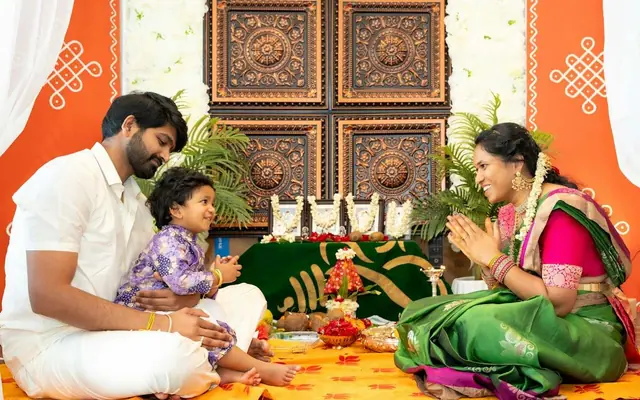
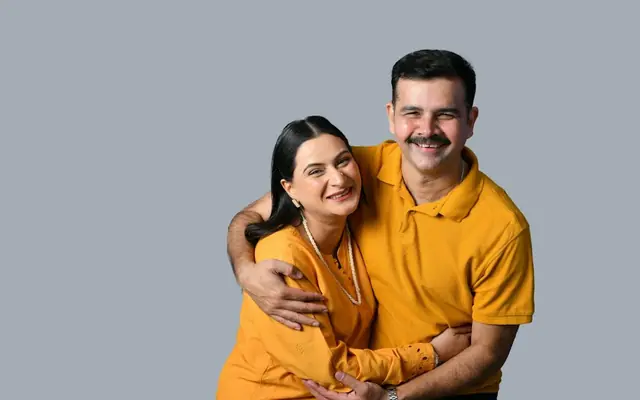
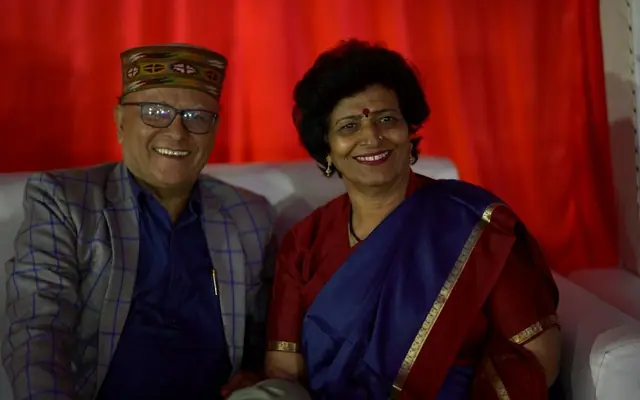
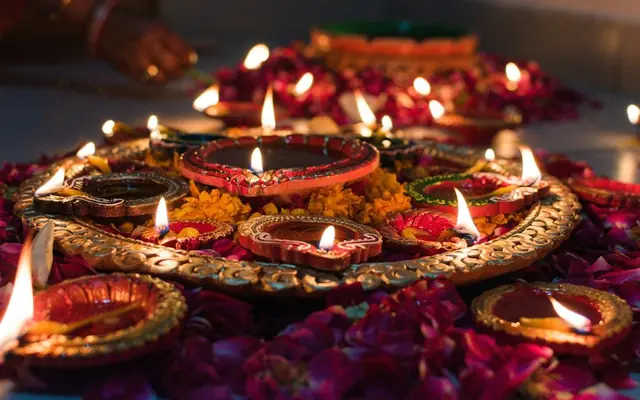
Every festival the family WhatsApp groups fill up with the same forwarded "Happy Diwali" images everyone has seen for years. Stand out this year with a festival wishes card online: an animated 3D greeting with glowing diyas, your own photos, and a warm personal message that actually feels like it came from you. With ShareInvite you can create digital festival greetings for Diwali, New Year, and every celebration in minutes, then share them on WhatsApp with family and friends anywhere in the world. No more recycled forwards. Here is how to send festival wishes people are genuinely happy to receive.
Why send an animated festival card instead of a forward
The problem with forwarded festival images is that everyone can tell they are forwards: the same graphics circulate for years and get skimmed past instantly. A personalised festival card is the opposite: glowing 3D diyas, your family photo, and a message written for the people you are sending it to. It signals that you actually thought of them, which is the whole point of festival wishes. It is also a lovely way to reach relatives abroad who cannot be home for the festival: the card carries the warmth of the celebration across any distance, opens on any phone, and can be revisited through the festive season rather than lost in a busy group chat.
How to create your festival greeting in minutes
On ShareInvite: (1) Choose the Festival Wishes (Glowing Diyas) template. (2) Enter the recipient's name (or your family name for a group send) and yours. (3) Set the headline for the festival: "Happy Diwali", "Happy New Year", or the festival you are celebrating. (4) Add a subtitle like "may your year glow bright". (5) Upload a family photo or two. (6) Write your wishes and add a festive song. (7) Preview live and publish for a shareable link. Send it to individuals or paste it into your family and friends groups on WhatsApp. It opens instantly for everyone, on any device, with no app to download.
Festivals and occasions it is perfect for
The warm, glowing-diya aesthetic suits India's festival calendar and beyond: Diwali (the classic fit, festival of lights), New Year, Raksha Bandhan, Bhai Dooj, Navratri and Durga Puja, Pongal and Makar Sankranti, Ganesh Chaturthi, Eid, Christmas, and regional new years like Ugadi, Gudi Padwa and Baisakhi. Because you set the headline and message yourself, one template covers your whole year of celebrations: just change the words for each occasion. It is equally at home for a corporate festival greeting to clients and staff or a heartfelt personal one to family, so you can keep one beautiful format across every festival you send.
Festival wishes and message ideas
Warm and specific beats generic every time. Diwali: "Wishing you a Diwali full of light, laughter, sweets and zero calorie guilt. May this year be your brightest yet." New Year: "Here's to a year of good health, big wins and small joys. Happy New Year from our family to yours." For relatives abroad: "Missing you at the table this year, but sending all the light and love of the festival across the miles." Corporate: "Thank you for a wonderful year of working together. Wishing you and your family a joyful and prosperous festive season." Adding one specific line (a shared memory, a wish for something you know they are hoping for) instantly lifts a festival message above the standard forward.
Reach the whole family, near and far
Festivals are about togetherness, and a digital festival card makes that possible even when the family is scattered across cities and countries. One link reaches everyone at once (grandparents down the road and cousins across the ocean) and opens the same way on every phone, including the older relatives who struggle with apps (if they can open a WhatsApp link, they can open your card). You can personalise a card per branch of the family, or send one warm family-name greeting to the whole group. Either way, it beats a forwarded image, and it gives everyone a little piece of the celebration to keep.
How much does a festival card cost?
A ShareInvite festival card is an affordable one-time payment with no subscription, and the link stays live through the festive season and beyond. For less than the cost of a box of sweets, you get an animated, personalised greeting that you can send to your whole family and friends list, far more memorable than another forwarded image. When you are ready, choose your plan, add your family photo and your wishes, and light up someone's festival this year.
Quick checklist
- Choose the Festival Wishes glowing-diyas template.
- Set the headline to the specific festival you're celebrating.
- Add a family photo for a personal touch.
- Write one specific line beyond the generic wish.
- Add a festive background song.
- Preview on your phone before sending.
- Share the link to individuals or your family WhatsApp groups.
Frequently asked questions
Choose the Festival Wishes template on ShareInvite, set the headline to your festival (like "Happy Diwali"), add a family photo, write your wishes and add a festive song. Preview the glowing-diya animation, then publish to get a link you can share on WhatsApp with family and friends. It takes about five minutes.
Diwali, New Year, Raksha Bandhan, Bhai Dooj, Navratri, Durga Puja, Pongal, Makar Sankranti, Ganesh Chaturthi, Eid, Christmas and regional new years like Ugadi, Gudi Padwa and Baisakhi. Because you set the headline and message yourself, one template covers your whole year of celebrations.
Yes. When you publish you get a link you can paste into any WhatsApp chat or group. It opens instantly on every phone with no app download, perfect for reaching the whole family at once, including relatives abroad and older family members.
Much better. Forwarded images are obviously generic and get skimmed past. A personalised card with your family photo, the specific festival and a warm message shows you actually thought of the person, which is the whole point of sending festival wishes.
Yes. The warm, elegant design works well for business greetings to clients and staff. Just adjust the message to a professional tone and send one polished festival card instead of a mass forward.
It is an affordable one-time payment with no subscription, and the link stays live through the festive season. See the pricing page for the current plan and start creating.